
Keep your days and your people in one journal
Tag people in your diary and who you met, and when, builds up on its own. No account, no server — it all stays on your phone.
- Start without an account
- Works offline
Android · v1.58.0Updated Oct 11, 2026
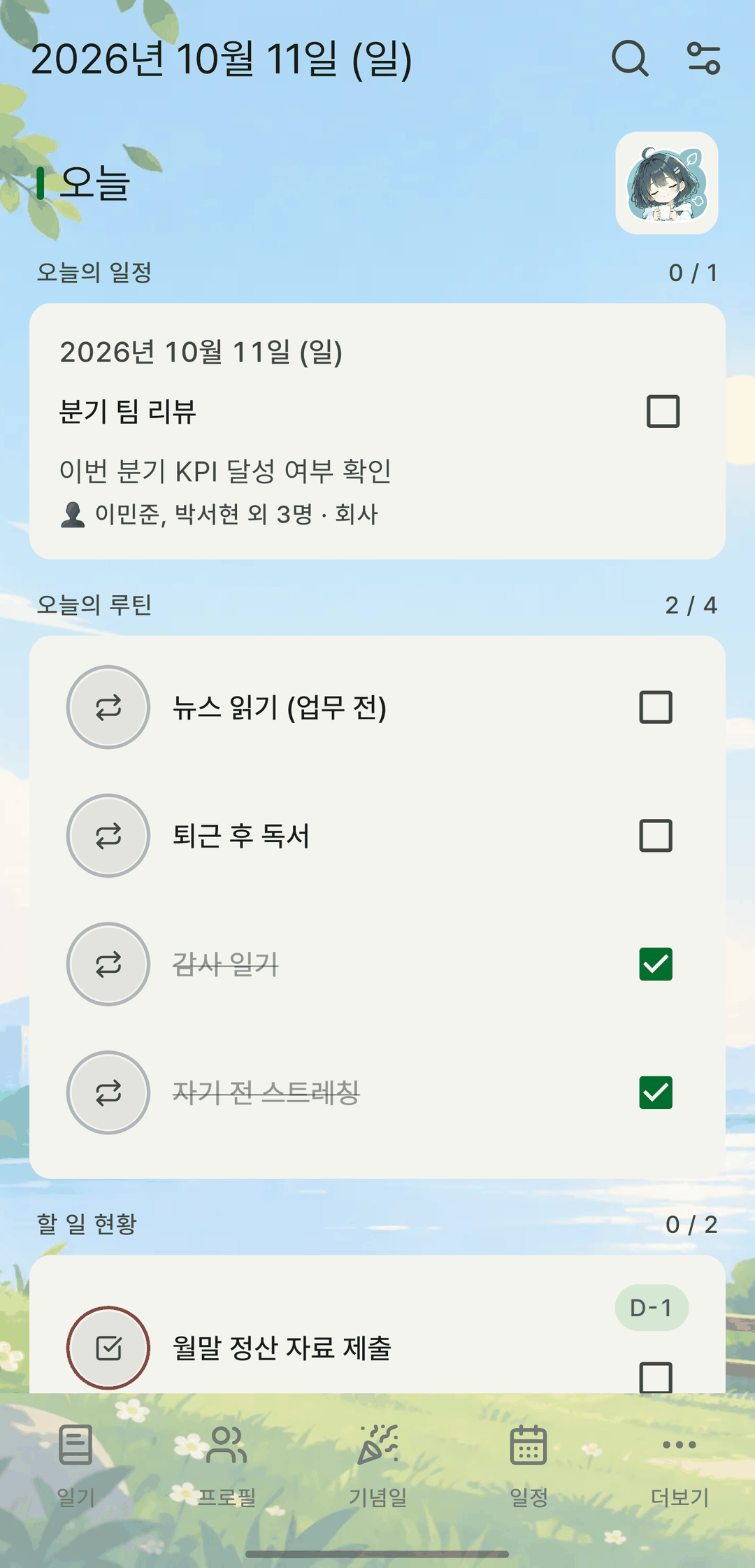
Screens are shown in Korean. The app itself is fully available in English.
You keep writing things down, but nothing adds up
We built mylog because these three things kept getting in the way.
“Diary apps don't remember people”
Tag people in your diary entries and events, and mylog sorts out who you saw, when, and how long it's been since you last talked.
“Notes, to-dos and routines are scattered across apps”
Diary, people, events, memos, to-dos, routines, timer and timetable in one app — with all the stats in one place, too.
“Your most private writing lives on someone else's server”
mylog never sends your records to a server on its own. They're stored only in a database on your device, and they leave it only when you make a backup.
Nothing to hand over before you write
Picking a journaling app is tiring not because features are missing, but because the first screen already asks for so much.
- Getting startedWhat's common
Sign up, verify your email, and only then write your first line.
mylogThe first screen after installing is where you write. There's no account to create.
- TrialsWhat's common
A 7-day free trial that bills you if you forget to cancel.
mylogThere's no trial period. Every feature available today is free, and there's nowhere to enter a payment method.
- LimitsWhat's common
Free means a handful of entries, or one photo a day.
mylogNo limit on the number of entries or photos.
- PermissionsWhat's common
Asks for contacts, calendar and notifications all at once right after install.
mylogAsks only when you use something: contacts when you import people, calendar when you import events, the microphone when you dictate. Photos use the system picker, so no permission is needed at all. Decline anything and the app keeps working.
- OfflineWhat's common
With a weak signal, even the list won't load.
mylogEverything runs on your device, so it works the same on a plane.
- LeavingWhat's common
Stop paying and it turns read-only; exporting costs extra.
mylogExport to a file anytime. It's standard JSON, so the file stays readable even after you delete the app.
There are things it can't do. There's no iOS app yet, and no automatic sync between devices. To move to a new phone, you make a backup file and bring it over yourself.
Core features
Tap a tab to see the actual screens.
A diary you'll want to write in
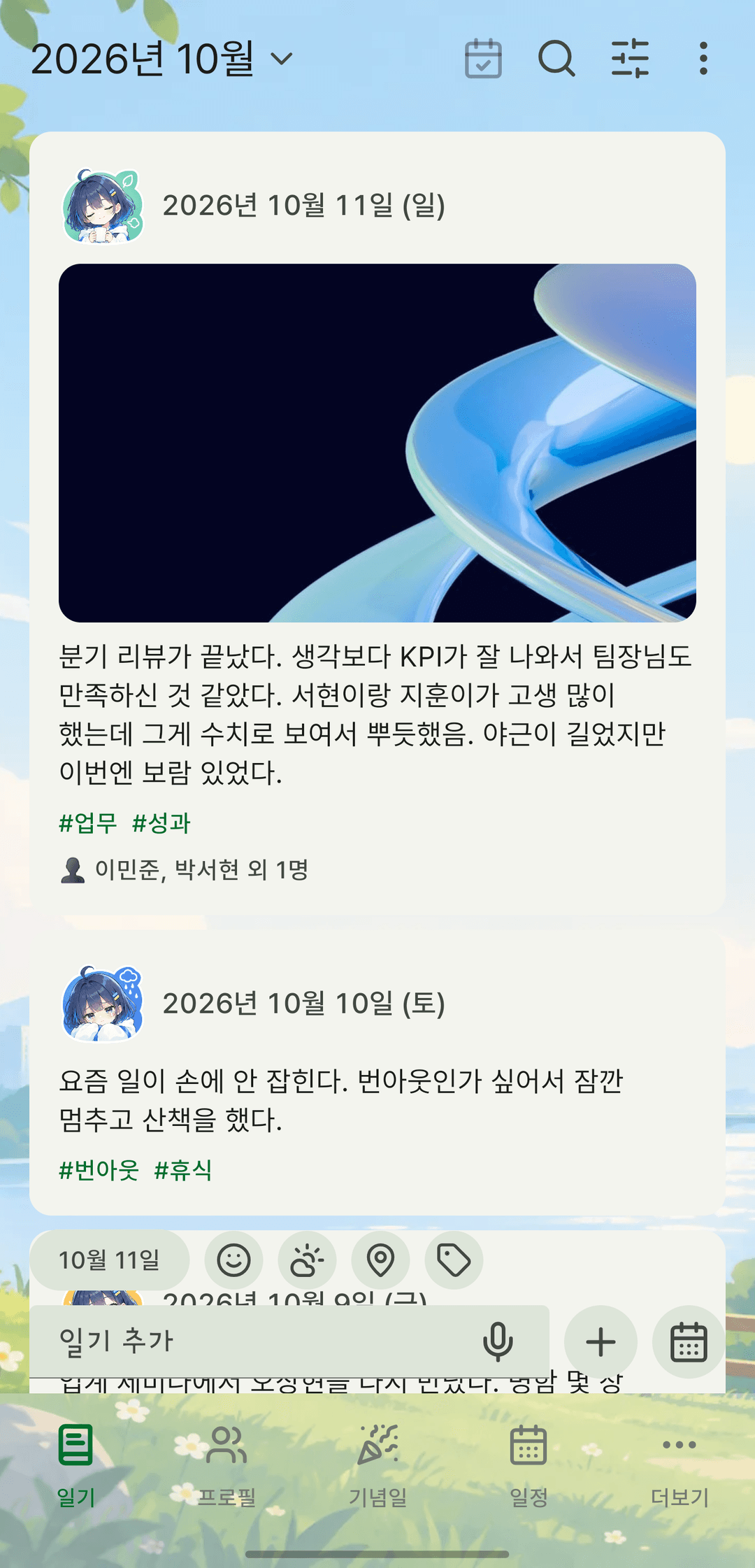
Write in a rich-text editor and keep a sticker, the weather, the place, photos and tags with each entry. Split entries into several journals and save the outlines you reuse as templates.
- Rich-text editor with bold, lists and colors
- The day's sticker, weather, place, photos and hashtags
- Multiple journals · templates · Markdown export
And there's more
Ledger
Record income and spending with receipt photos, then see category shares and monthly trends.
Badges
As records add up, each feature's badge climbs from bronze to diamond.
Memos
Jot things down as fast as a chat. Pin them and mark them done.
To-dos
Sort urgent from important with the Eisenhower matrix.
Timer
Time your focus sessions and keep them as records. Countdowns too.
Timetable
Build a weekly timetable and link it to people.
Rating sheets
Score days and experiences on a 5-point scale with your own criteria.
Quotes
Flip through the lines that stayed with you as cards, and share them as images.
Business cards
One photo and the card is read and filed — and it can become a profile.
Android widgets
Check today's to-dos and records right from your home screen.
Reminders
Birthdays, anniversaries, to-dos, routines and events — at the time you choose.
3 languages
Available in 한국어, English and 日本語.
We can't read your diary
Instead of asking you to trust us, here's how the app is actually built.
On your device by default
Records are stored only in a database on your device. The contents of your diary, memos and to-dos never leave it unless you make or upload a backup yourself.
Set a password and no one can open it
Add a password to a backup and it's encrypted on your device with AES-256-GCM. The key is derived with scrypt and the password is never sent anywhere, so even if you upload it to the website's vault, we can't open it.
You decide what gets uploaded
Nothing is uploaded behind your back. Keep the backup in any folder you like, upload it to your account vault yourself, or do neither.
App lock PIN
Lock the app with a PIN. A recovery code is issued in case you forget it.
A backup format you can open
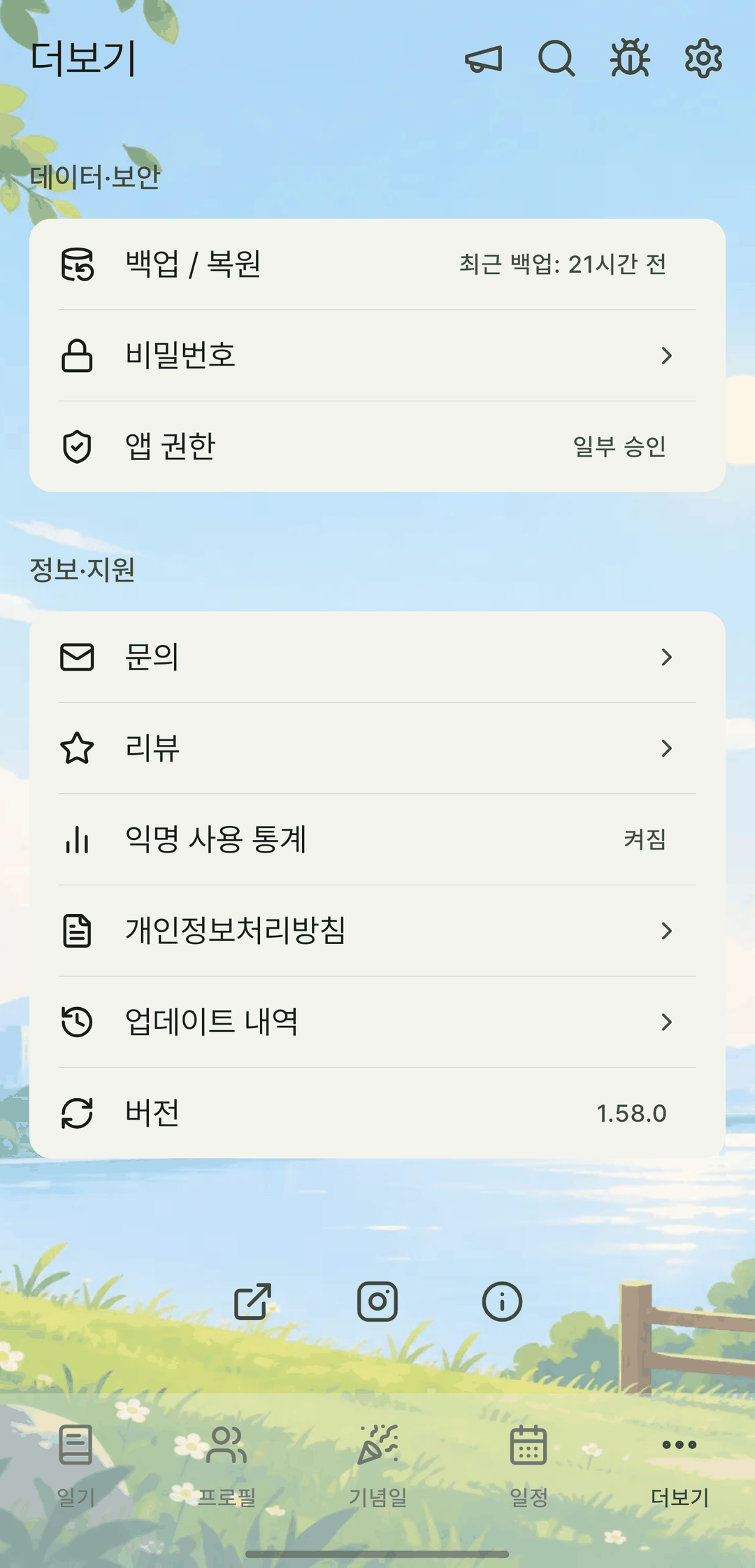
Backups are standard JSON. Even if you delete the app, you can still read and move your data.
Open your backup file in the browser
Browse the backups you made in the app on a big PC screen. Files are opened only inside your browser and never sent to a server. No account needed. (The viewer's interface is in Korean.)
- Works with regular (.json) and encrypted (.mylog) backups
- Full backups with photos (.zip) open with every photo
- Search diary entries, people and events, and look back person by person
It's read-only for now. Sending changes made on the web back to the app is planned for Pro.
Pricing
Everything is free right now. Paid features are in the works.
Free
Available nowEvery feature in the app, with no limits.
- Diary, people, events, memos, to-dos and routines
- Timer · timetable · rating sheets · ledger · quotes · widgets
- All stats and heatmaps
- Import device calendars and public holidays
- Encrypted backups · full backups with photos
- Open backups on a PC with the web backup viewer
- Cloud vault for encrypted backups
- No limit on the number of records
Pro
PlannedFor people who use several devices or want to see their records on a PC.
- Sync that uploads from the app automatically
- Pick up where you left off on multiple devices
- Cloud storage including photos
- Edit in the web backup viewer and restore to the app
- Backup version history
Pro will focus on features that cost us server time, like cloud storage and sync. We're also considering a lifetime option alongside a monthly plan, and we'll let you know before pricing is set.
Frequently asked questions
Can't find your answer? Email us at mylog.help@gmail.com and we'll reply.
Start with today
Install it and start right away. No account, no payment method.