
A diary you'll want to write in
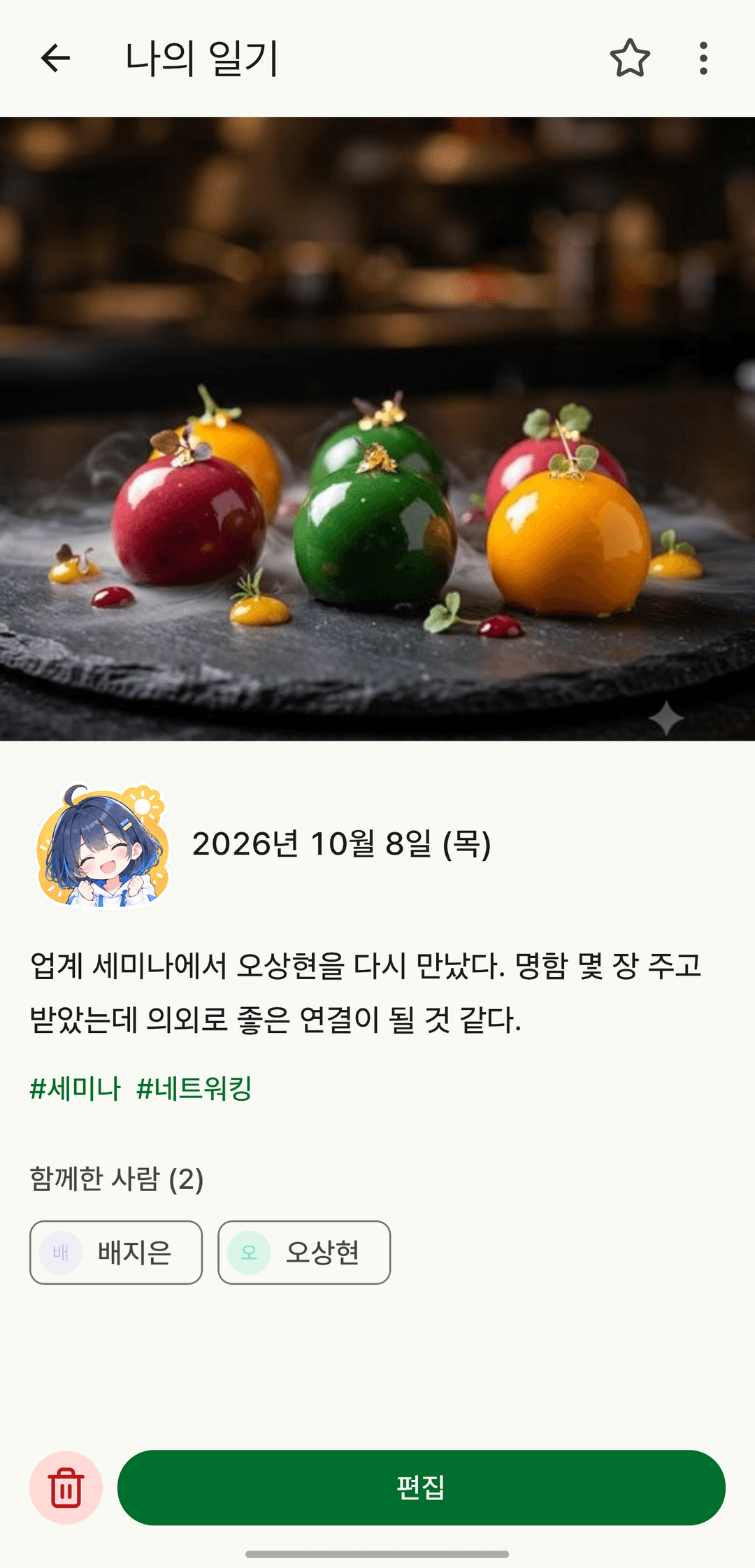
It's not just text. Add the day's sticker, the weather, where you went and who you were with, and you'll have threads to pull on later.
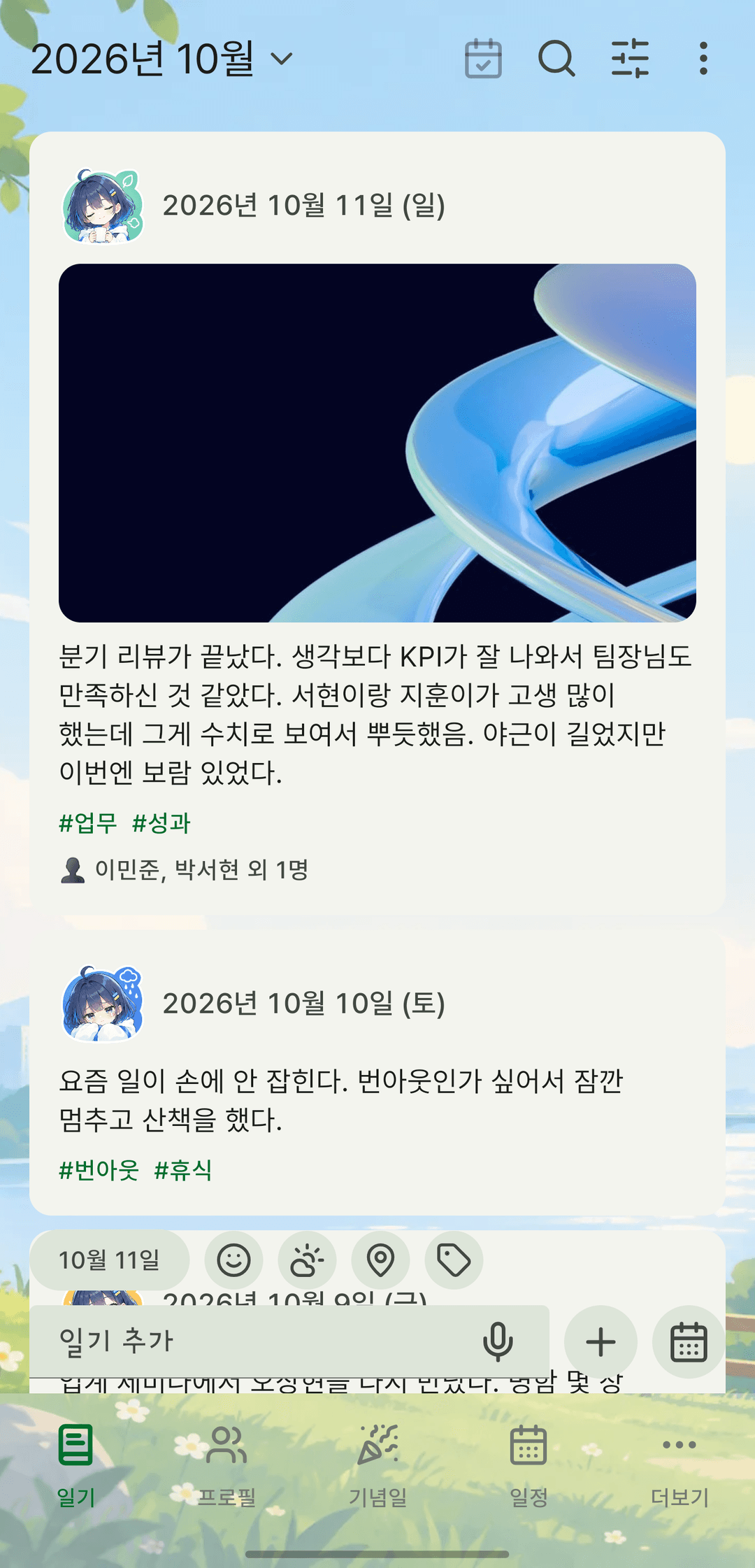
Screens are shown in Korean. The app itself is fully available in English.
Rich-text editor
Write with formatting — bold, lists, even colors — and put photos right in the text.
Stickers, weather, places and tags
Sum up the day with a single sticker. Pick from the basic and reaction packs, with your recent stickers up front. Add the weather, a place and hashtags so entries are easy to find later.
Tag people and your relationships add up
Link a profile to an entry and who you met, and when, collects on its own. Tap to link right away, or long-press to open, edit or unlink.
Find it again by tag or person
Filter the list by tags and linked people. Search goes beyond the text to tags, places and people's names. Active filters stay visible as chips under the search bar — tap one to open the sheet, or tap X to clear just that filter.
Separate journals and templates
Keep several journals side by side, and save outlines you reuse as templates.
It also does this
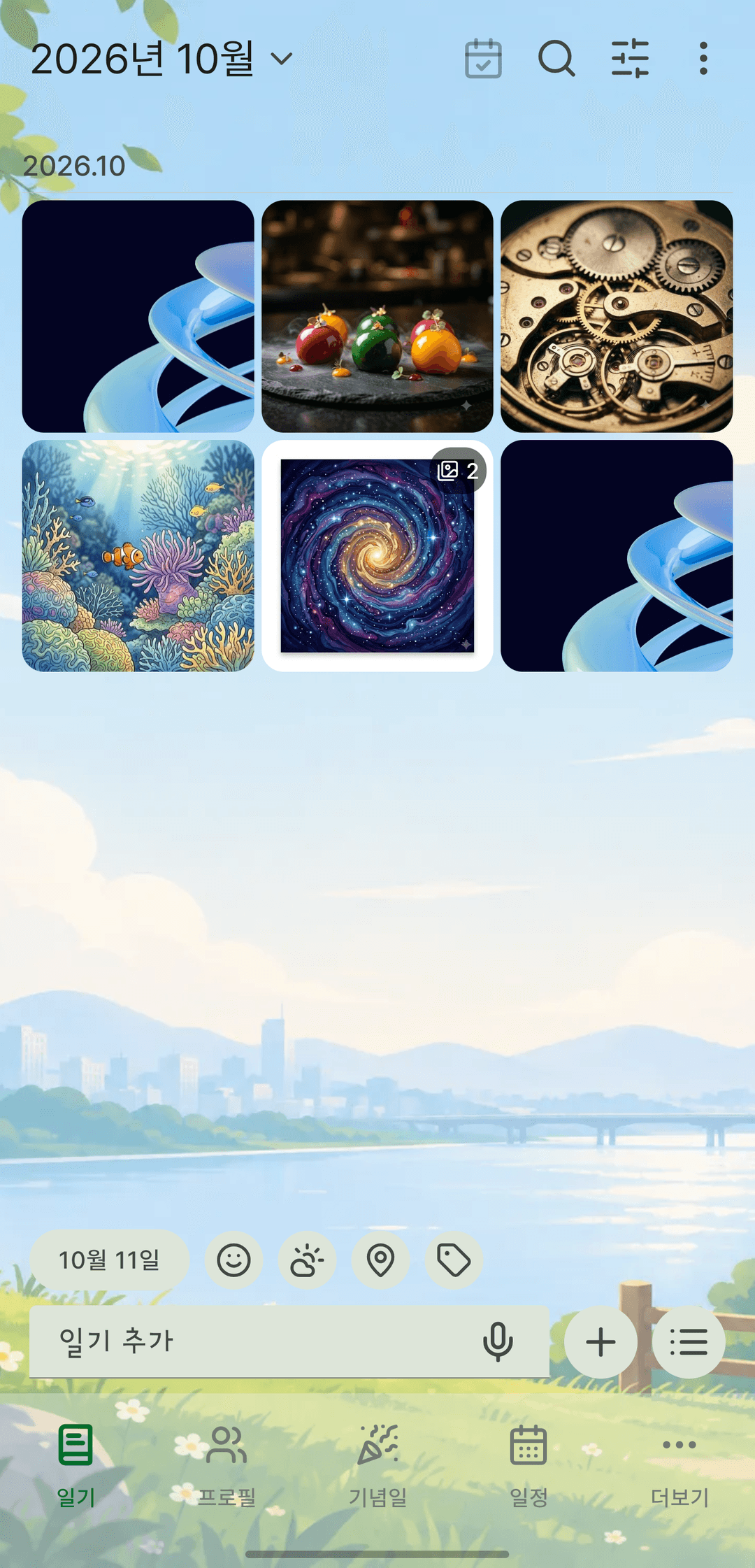
- Switch between list and gallery views. The gallery follows the date range you set in the list.
- Add as many photos as you like. Backups with photos (zip) include the originals.
- Type a place or fill it in from your current location. Coordinates are saved with the address, so you can find it on a map later.
- Dictate instead of typing. Turn on the mic in the editor and what you say goes into the entry. It understands Korean, English and Japanese, and the app only receives the resulting text — your voice is never stored.
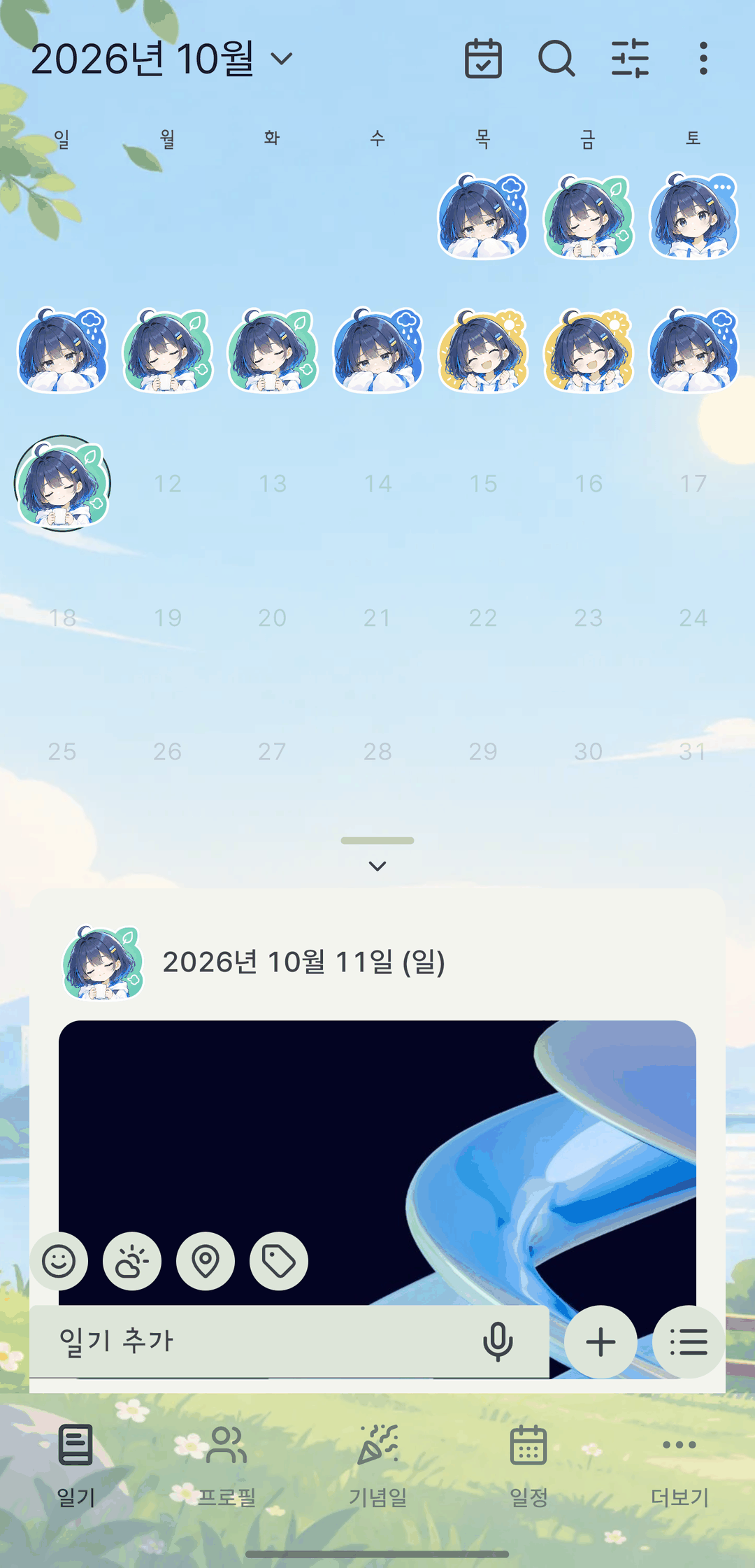
- On the calendar, each day you wrote shows the sticker you chose that day.
- Merge several entries written on the same day in the same journal into one. Just pick which value to keep where they differ.
- Leave mid-entry and a draft lets you pick up where you stopped.
- Export to Markdown.