
All featuresBackup & security
Keeping your records safe, yourself
Records that live only on your device mean backups are entirely up to you. So we made backing up easy and safe.
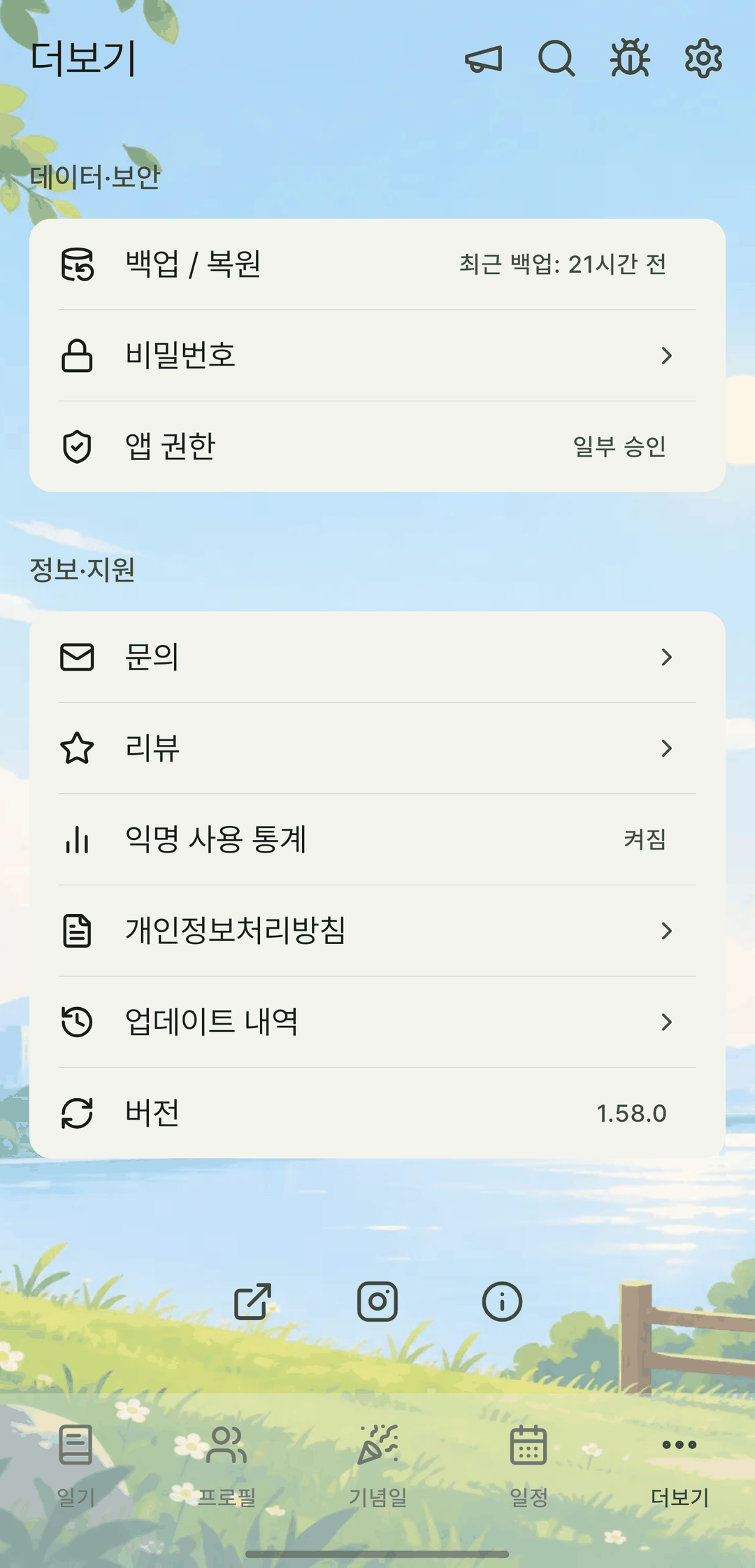
Screens are shown in Korean. The app itself is fully available in English.
Encrypted backups
Set a password and the backup is encrypted on your device with AES-256-GCM and exported as a `.mylog` file. The key is derived with scrypt, and the password is never stored in the app.
Full backups including photos
Make a zip backup that includes your attached photos and profile pictures.
App lock PIN
Lock the app with a PIN. A recovery code is issued in case you forget it.
A viewer that opens in your browser
Open backup files right on this website. Files are opened only inside your browser and never sent to a server, and no account is needed. (The viewer's interface is in Korean.)
It also does this
- Backups are standard JSON, so even if you delete the app you can read and move your data yourself.
- The state just before a restore is kept in 'Undo recent restore'. If you restored the wrong file, roll it back there (photos excluded).
- Settings like theme, tab order and reminders aren't included in backups.
- With an account, you can keep encrypted backups in a cloud vault.
- Automatic sync from the app is in the works.