
Plans and anniversaries on one screen
Move between the calendar and the list, and manage repeats and multi-day plans with rules.
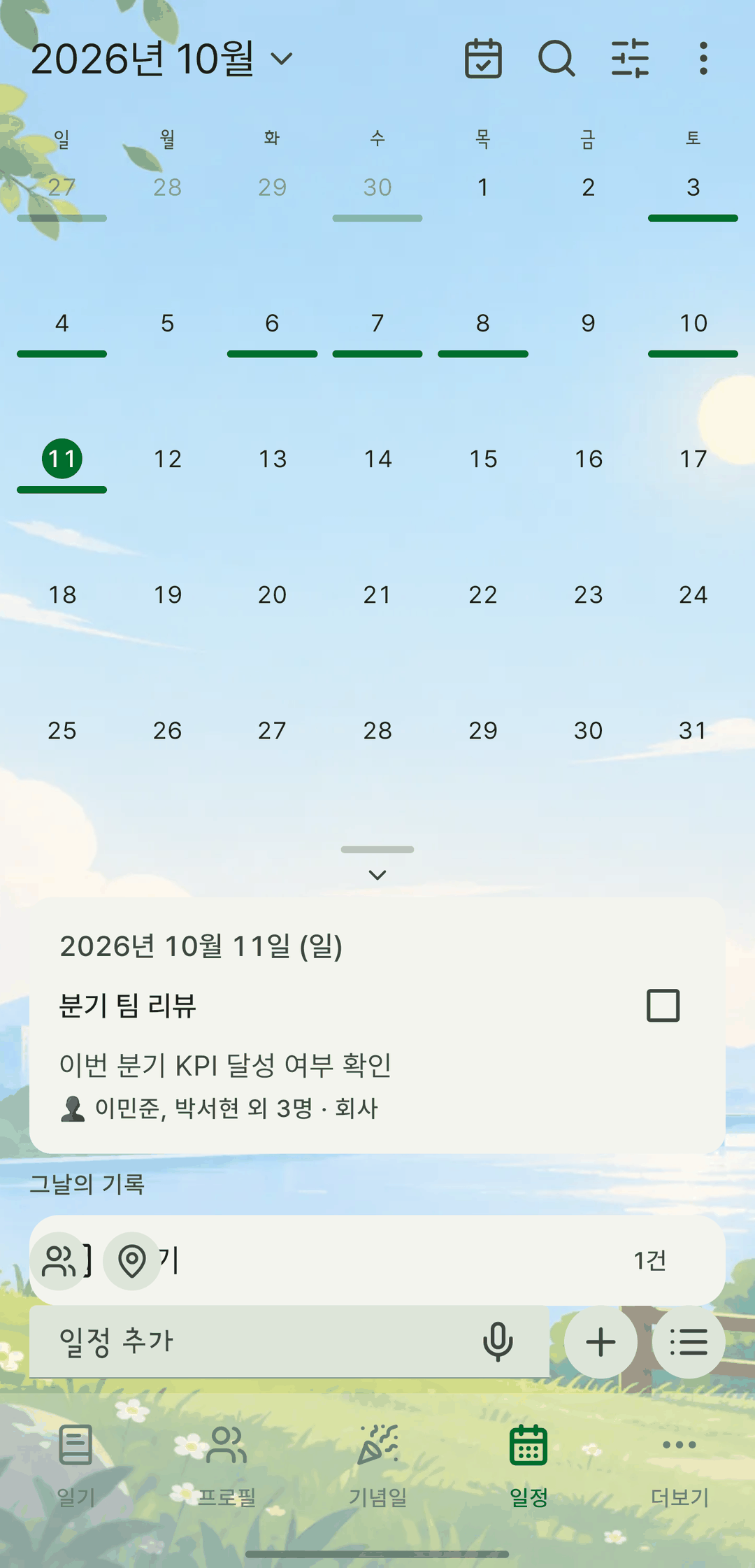
Screens are shown in Korean. The app itself is fully available in English.
Multi-day events
Add trips and business travel that span several days as a single event. Set an end date and it shows on every day in between, with where you are, like 'Day 2/4'.
Repeating events
Manage daily, weekly, monthly and yearly repeats with rules. You can set your own interval too, like every 2 weeks or every N months.
Import device calendars and holidays
Bring in events from the calendar you already use, along with public holidays. Holiday and personal calendars are kept apart, so your personal plans don't show up as red days. Imported events are stored only on your device, too.
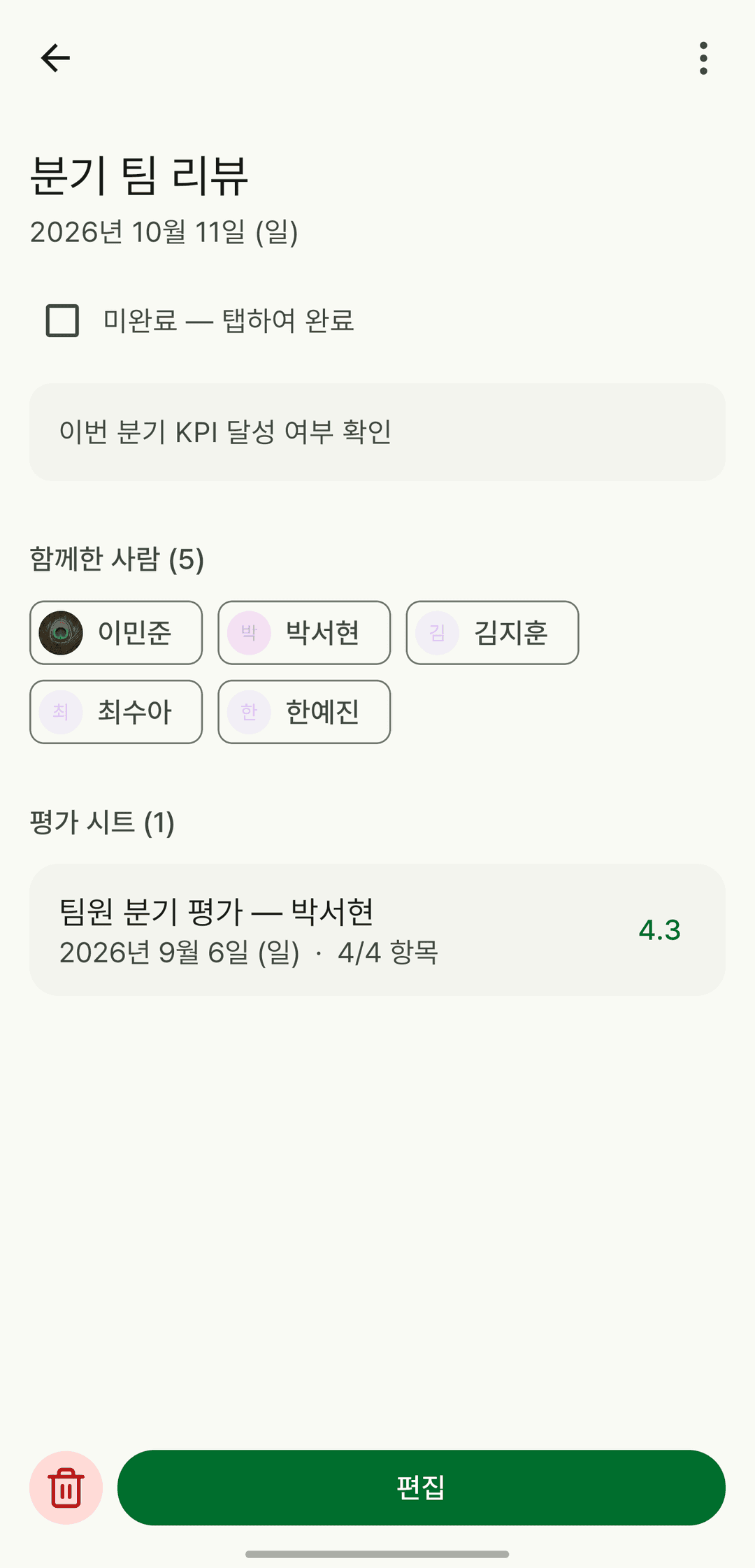
Link the people who were there
Link profiles to an event, and later the events you shared gather on that person's screen.
Skip just this occurrence
There's a middle option between deleting the whole series and leaving it: skip just this one, and undo it from the snackbar within 8 seconds.
It also does this
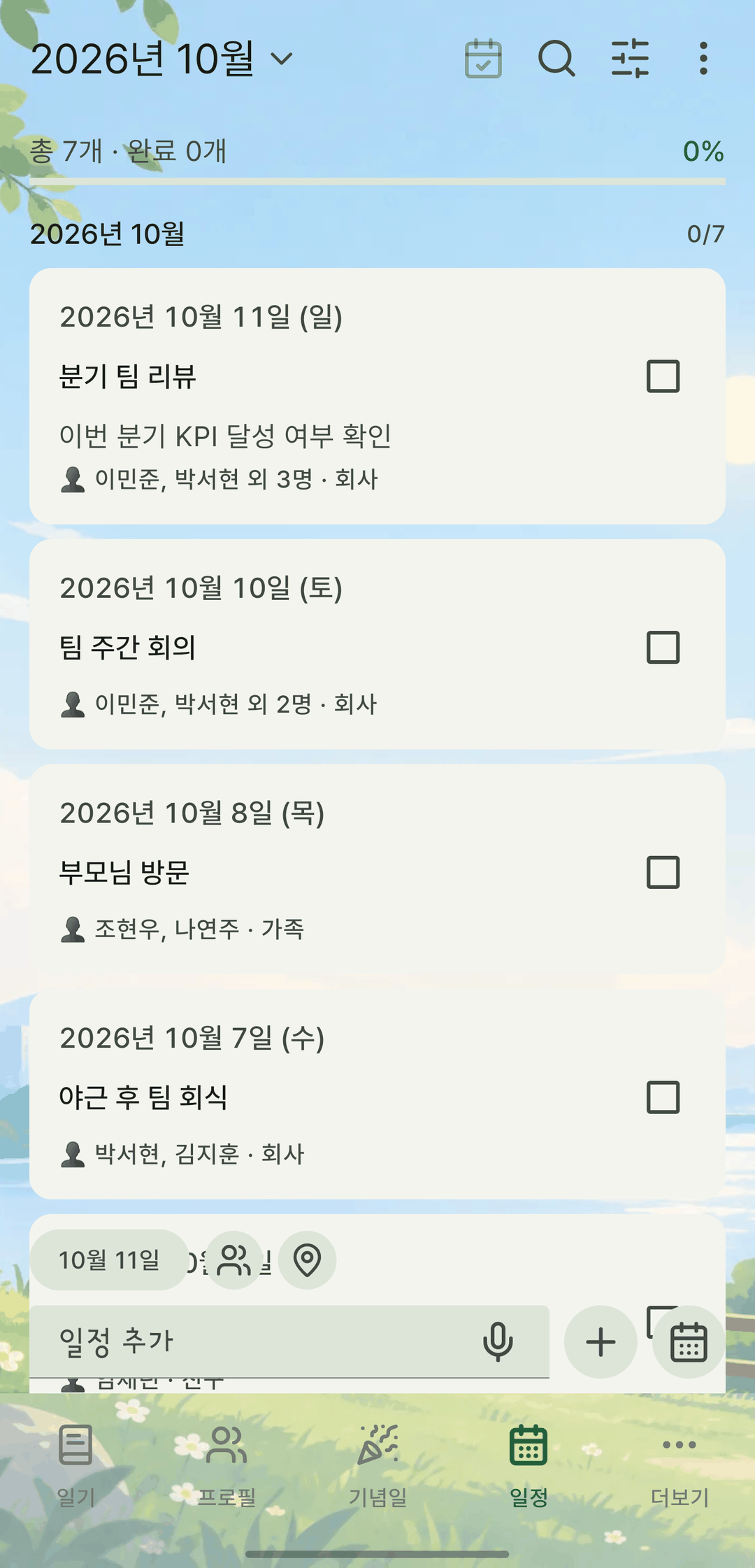
- Switch between calendar and weekly, monthly and yearly lists.
- The calendar draws events as bars under each date. Multi-day events run as one line, and diary entries and timer records from that day appear as dots below.
- Add a time to an event. Check the time and repeat details on the event screen.
- Mark each occurrence of a repeating event as done.
- Multi-day and repeat can't be combined — it would throw off the repeat ratio in stats.