
Lines worth reading again
The line you underlined disappears when you close the book. Keep them in one place and you can flip through them one by one on a tiring day.
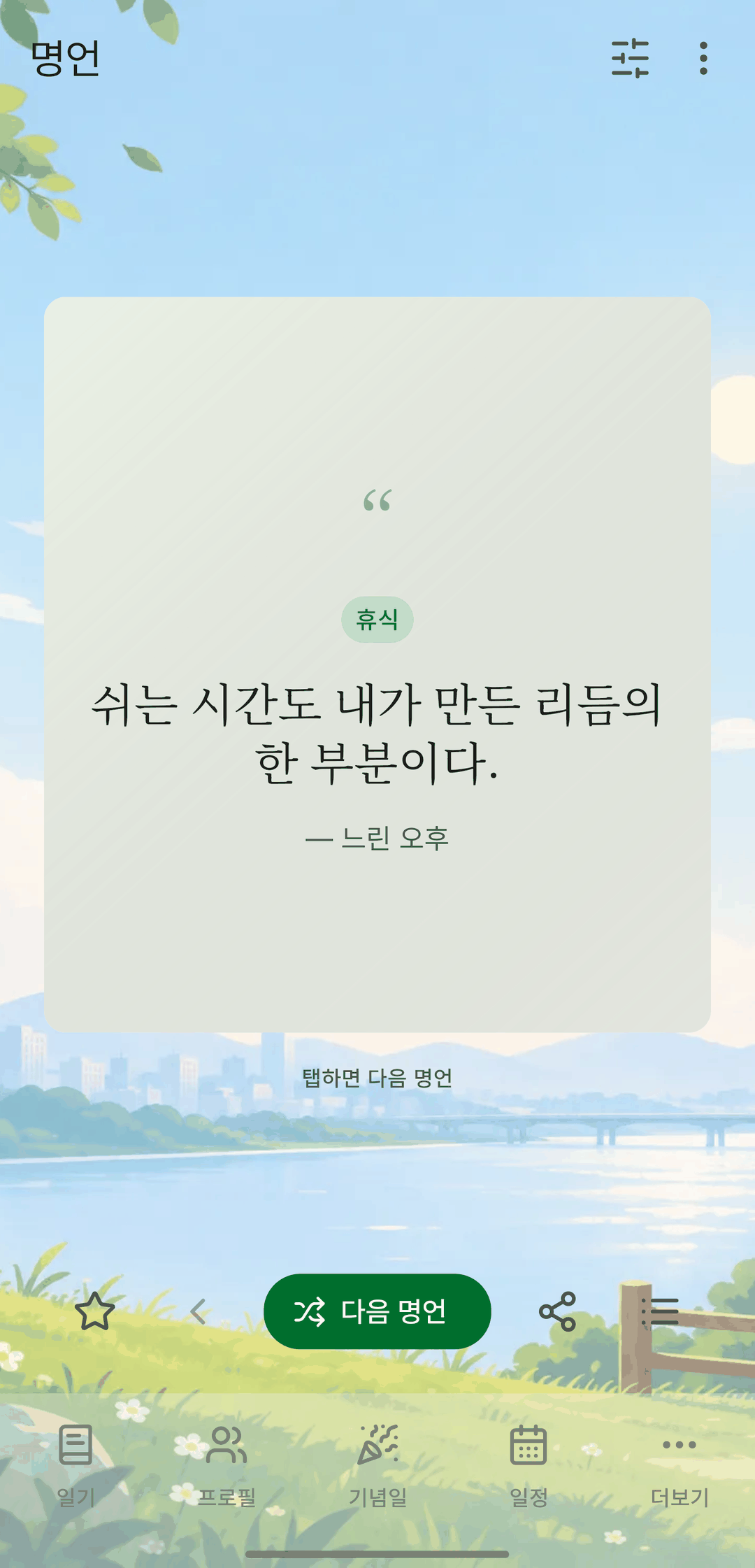
Screens are shown in Korean. The app itself is fully available in English.
One card at a time
In the viewer, each quote appears on its own card with decorative quotation marks and serif text. Tap for the next one, or tap Previous to go back. Cards keep the same size whatever the length.
Text from a photo
Take or pick a photo of a page and the text is recognized so you can choose it line by line. The photo you picked becomes that quote's background.
Background photos
Give each quote a background photo. The viewer uses your photo, a random gradient, or the plain card, in that order — and you can turn each on or off in the filter.
Share as an image
Turn the card you're viewing into an image and share it.
It also does this
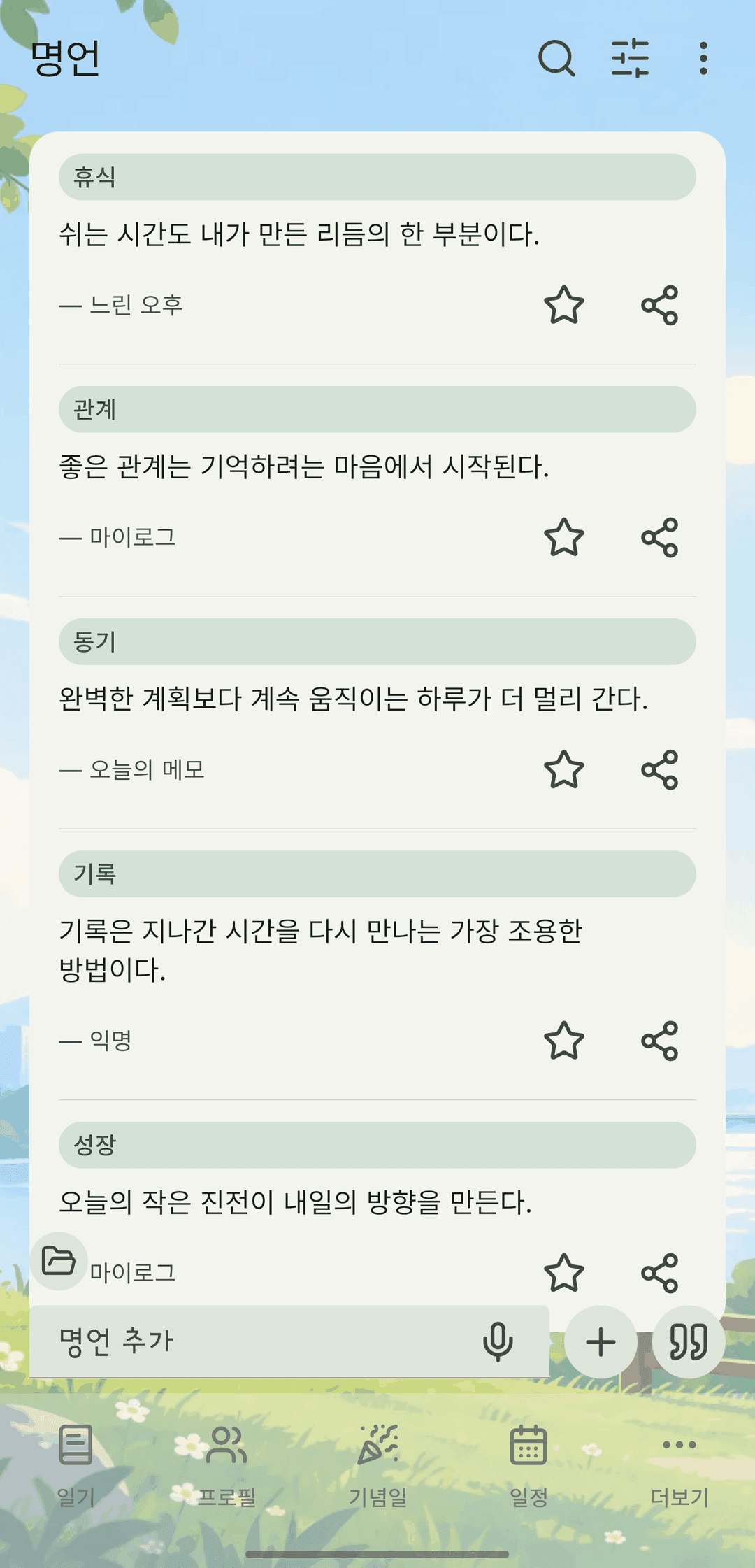
- Browse by category and favorites. Favorites use the same star as the diary, profiles and memos.
- The list is ordered newest first.
- Search finds quotes, too.
- Backups with photos (zip) include quote background photos.