
Business cards that turn into records
No more piles of cards in a drawer. One photo sorts out the name, company and contact details, and it can become a profile right away.
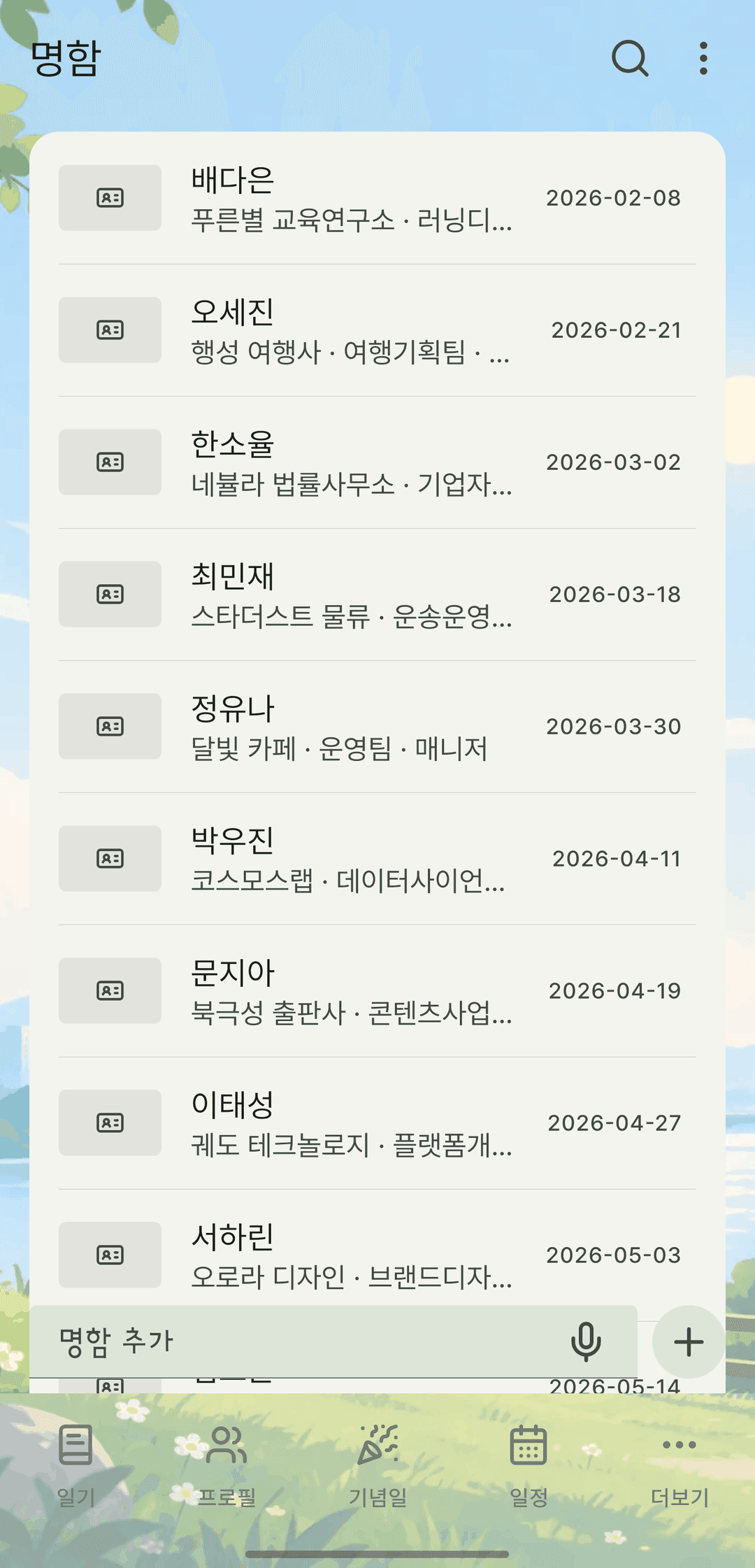
Screens are shown in Korean. The app itself is fully available in English.
Recognized from a single photo
Add a photo of a business card and the name, company, department, title and contact details are read automatically to fill the empty fields. Text recognition happens only on your device, and the photo never leaves it.
Fix it before saving
You can correct the auto-filled values before saving. Fields you've already typed in are never overwritten — only empty ones are filled.
From card to profile
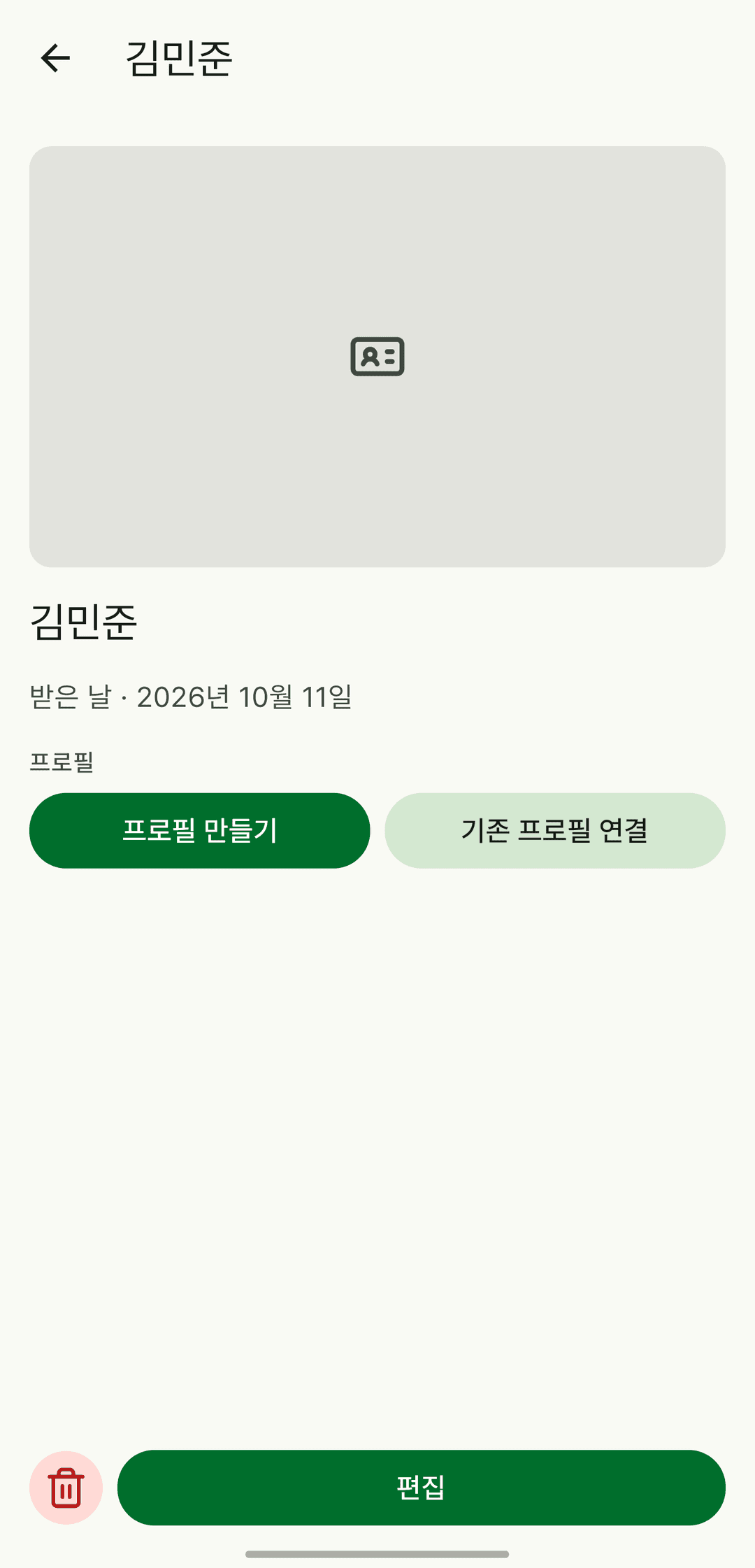
Create a profile from a card. The name and contact details carry over, and the date you received the card becomes the date you first met. If a profile with the same name exists, choose whether to link to it or create a new one.
It also does this
- If a card with the same name exists, you're told but not blocked — so you can keep cards from before and after someone changed jobs.
- A profile shows its linked business cards, most recent first.
- Search finds business cards by name or company, too.
- Business cards also show up as-is in the backup viewer.