
All featuresTimetable
Weekly timetable
Classes or shifts — keep the shape of your repeating week on one screen.
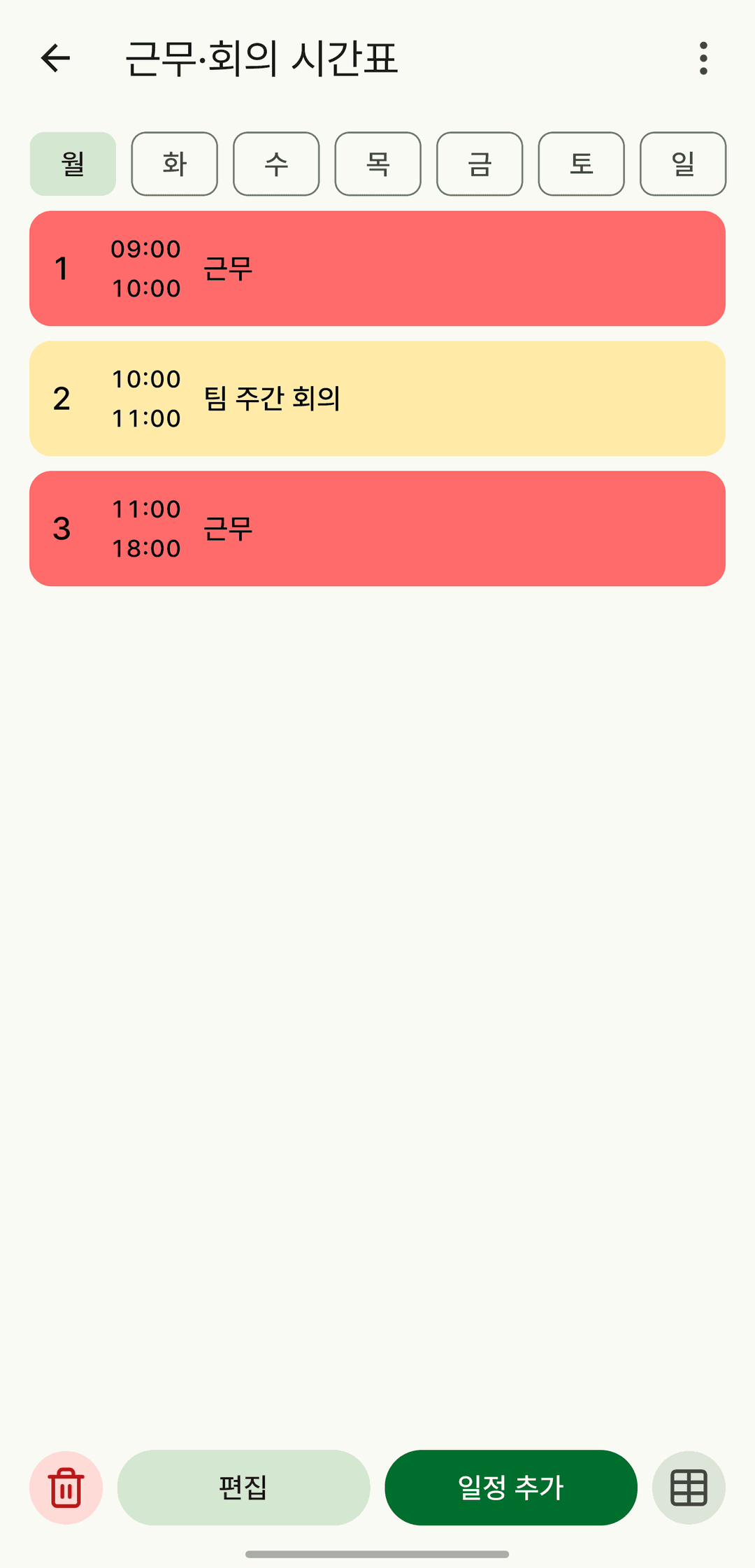
Screens are shown in Korean. The app itself is fully available in English.
Grid or list
See the whole week as a grid, or skim it as a list.
Overlapping times stay visible
Classes that overlap don't push each other out — they're shown side by side.
Link to profiles
Link a timetable to a profile to note who you spend that time with.
It also does this
- Make several timetables to split them by semester or shift cycle.
- Browse it as a weekly grid in the backup viewer.