
All featuresTimer
Time you measure becomes the record
No more guessing how long you worked. Once you've timed it, that's your record.
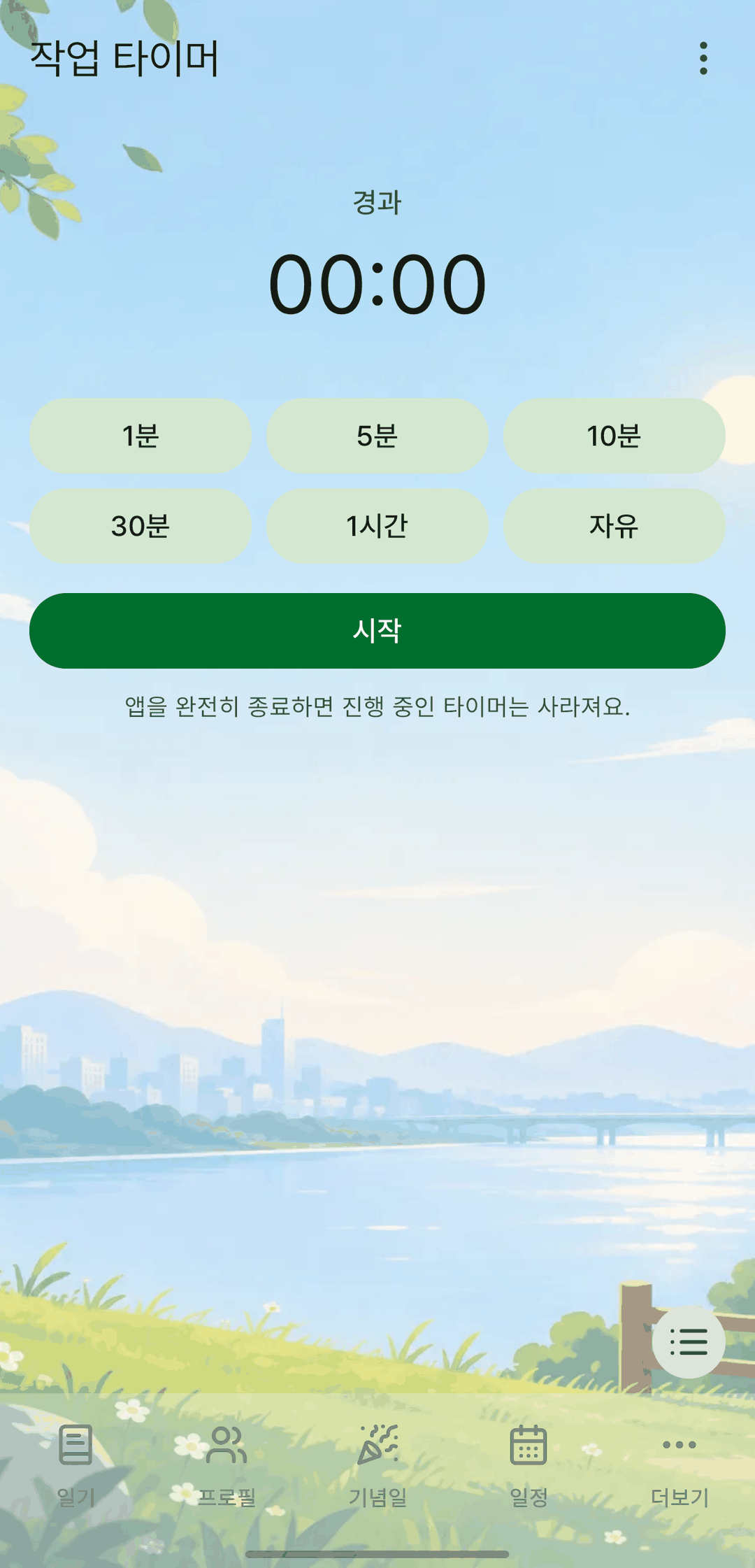
Screens are shown in Korean. The app itself is fully available in English.
Countdown with auto-stop
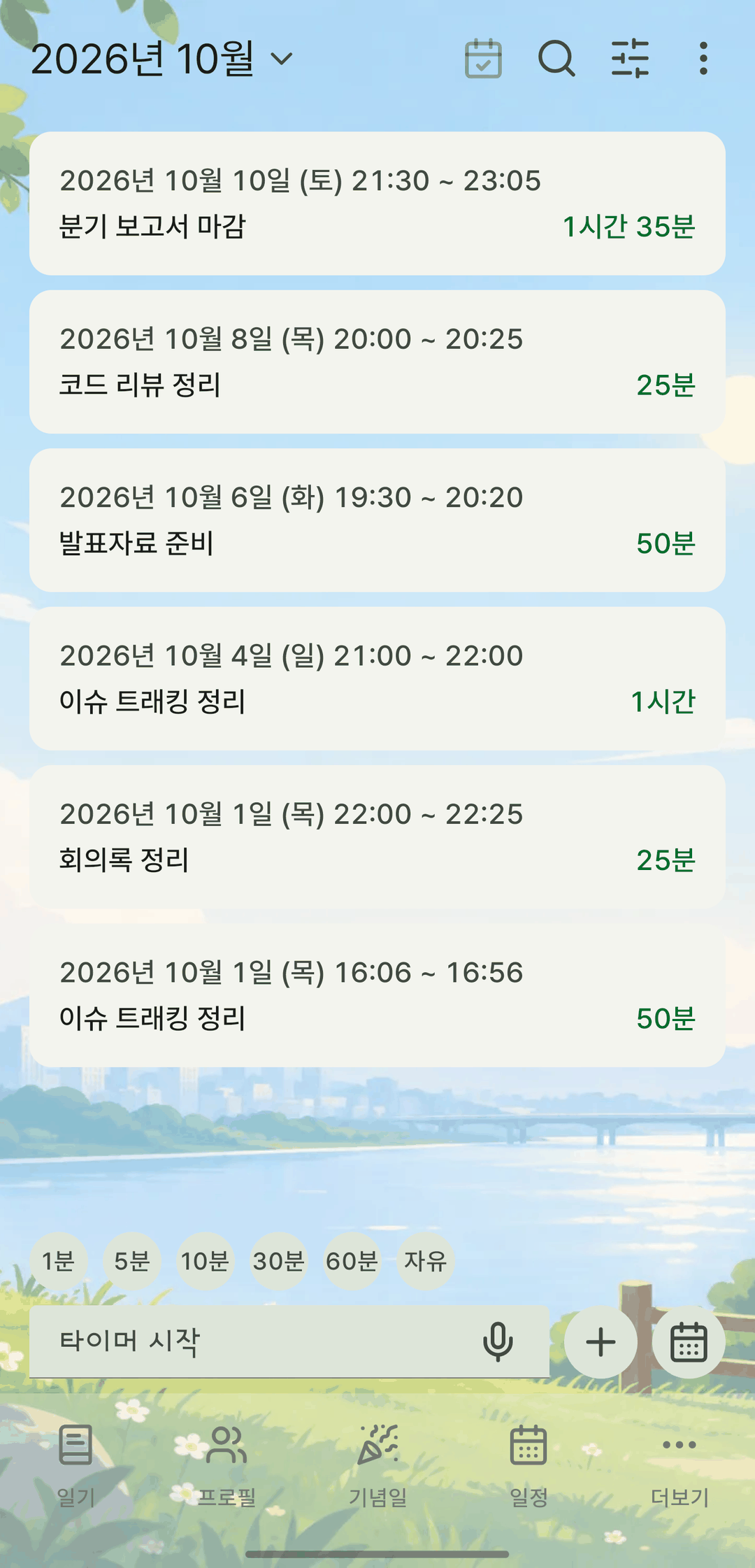
Tap 1 min, 5 min, 10 min, 30 min or 1 hour, or type the minutes yourself, to start. When it reaches the target, an alert sounds and it stops on its own and is saved as a record. The alert arrives even with the screen off or the app in the background.
Uninterrupted while it runs
The screen stays on while timing, and the progress is kept as you move between tabs.
Fix it later
Edit a work session's start and end times yourself, or move it to another date.
It also does this
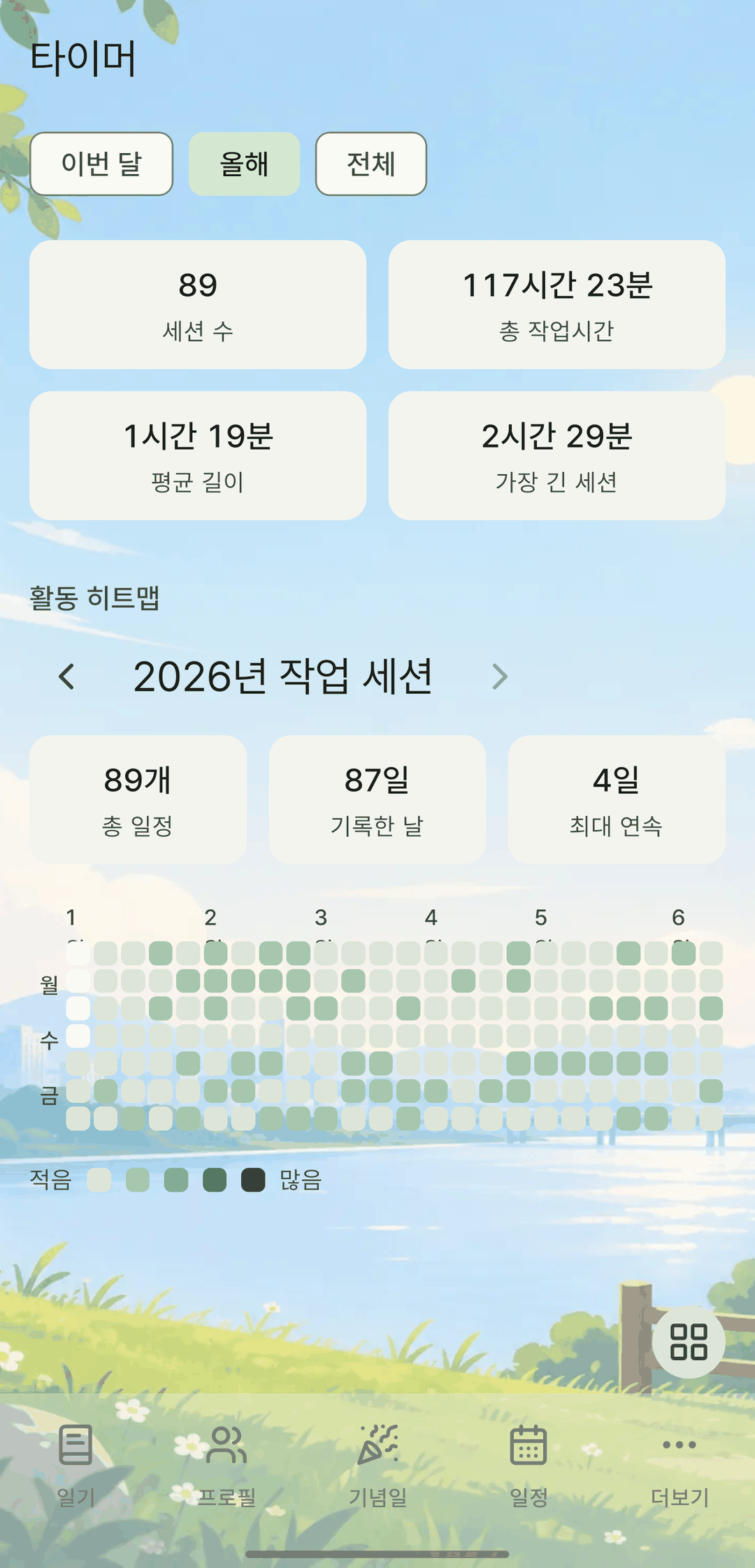
- Your sessions add up in stats: number of sessions, total work time, average length, longest session, and a year-long heatmap.
- Days you used the timer are marked with a dot on the event calendar, too.
- Timer records also show up as-is in the backup viewer.