
What you can see without opening the app
Instead of opening the app every time to check, put just what you need that day on your home screen.
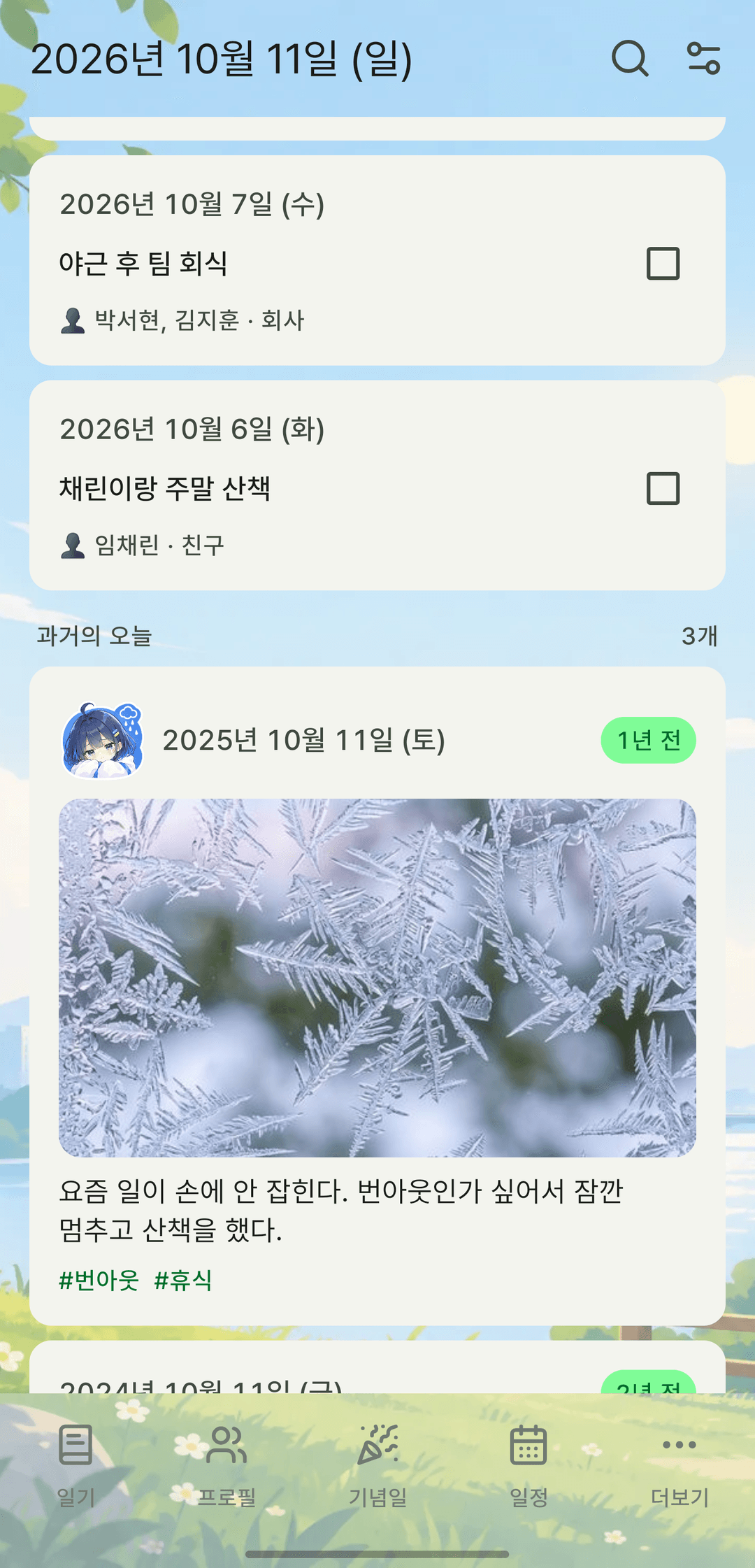
Screens are shown in Korean. The app itself is fully available in English.
Six Android home screen widgets
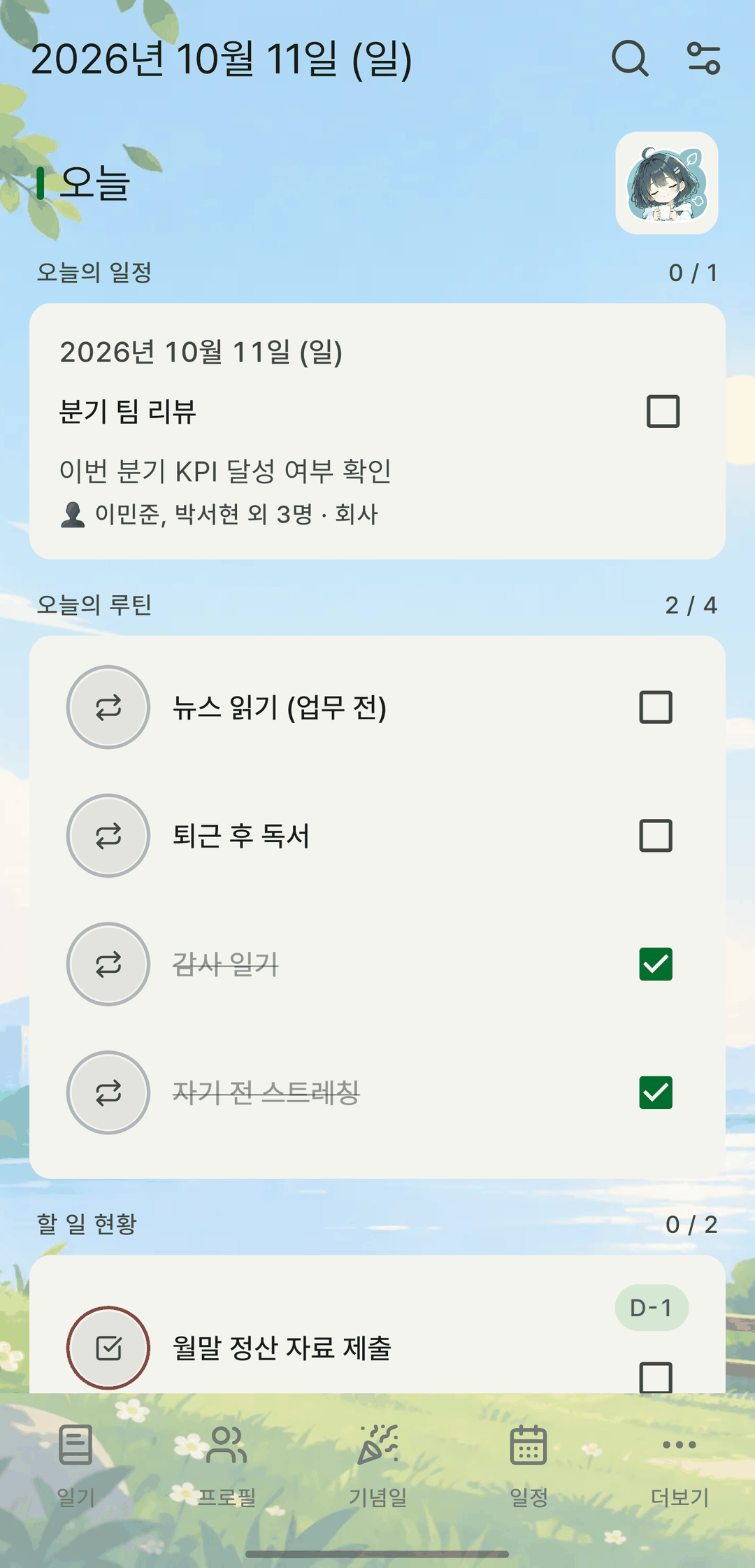
Put six widgets on your home screen: D-day (upcoming anniversaries and birthdays), Record flow (streak days, last 7 days, this month's completion rate), Today's focus (focus time and sessions today), To-dos (check off items due soon right in the widget), Routines (check and uncheck today's routines in the widget, with +1 for routines that have a goal) and Key stats (this month's and total records, top categories). Tap an item to jump straight to that event or to-do.
Five cards on the app's home screen
Inside the app, the home screen can show Record flow, Today's focus, Today's diary, Today's timetable and On this day cards. They're off by default — turn on the ones you want and set their order.
Sizes and themes, true to life
Resize an Android widget to see more items. Widgets follow your device's light/dark mode and the accent color you chose in the app, and you can preview the real look on the screen where you add them.
It also does this
- When a widget would be completely empty — say, no one to reach out to — it shows a message instead of just a title.
- Turn home screen cards on and off and reorder them from the Home layout menu.